# Инлайн-кнопки меню со встроенными ссылками на Web App приложение

Создаем бота

<figure><img src="/files/gZjtgGiX2OBJiw9lVGto" alt=""><figcaption></figcaption></figure>

<figure><img src="/files/uu9ec6hj9Rmx1IAuSPD6" alt=""><figcaption></figcaption></figure>

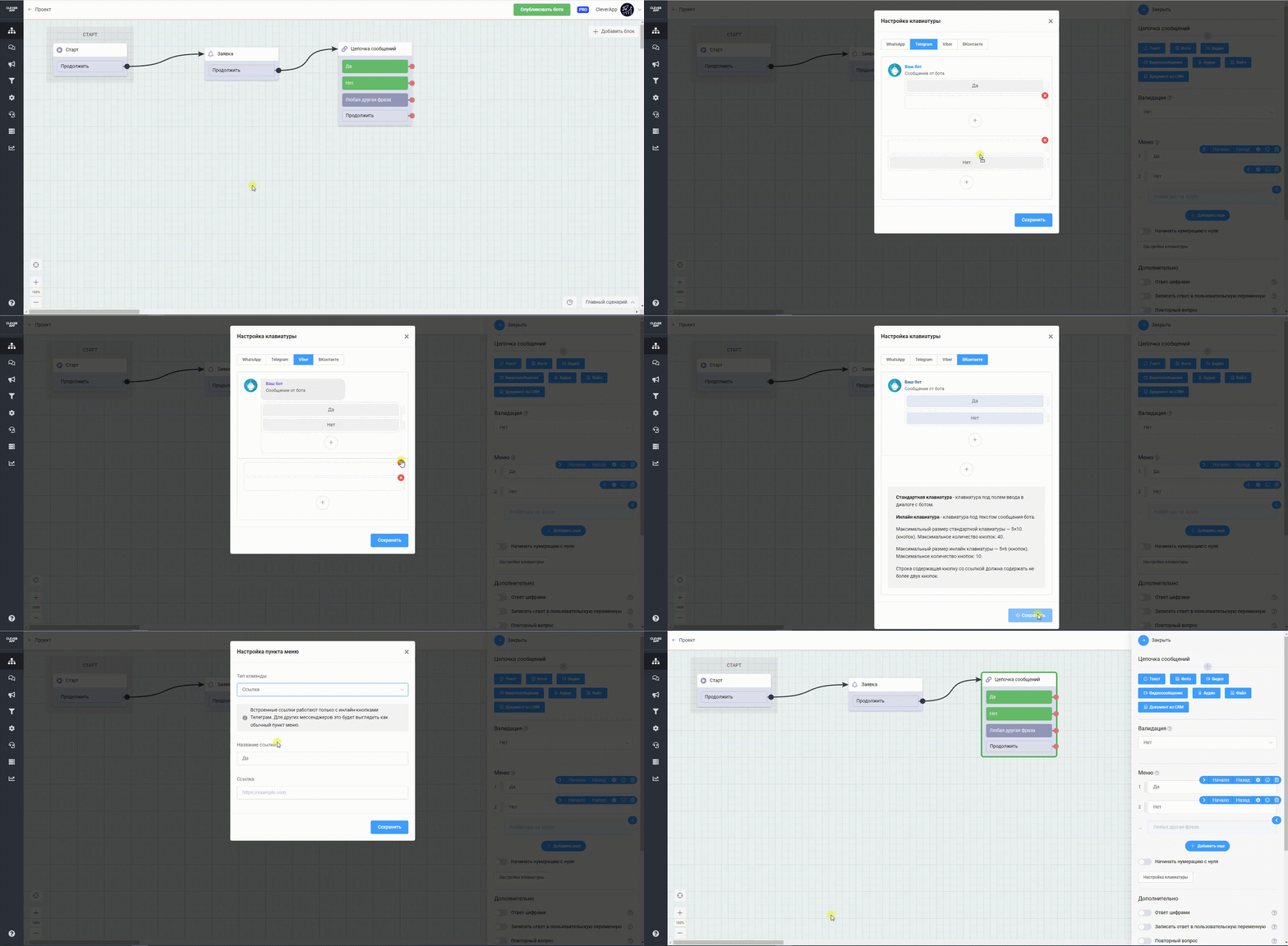
Обязательно делаем кнопки меню **инлайн**

{% hint style="danger" %}
ВАЖНО! Работает только в мессенджере Telegram
{% endhint %}

<figure><img src="/files/ypX9CRFUlREEhrOHvtW9" alt=""><figcaption></figcaption></figure>

В настройках кнопки выбираем Web App

<figure><img src="/files/1e9pZVB7xg0tzpDIxigI" alt=""><figcaption></figcaption></figure>

Вставляем ссылку на любой веб сайт

<figure><img src="/files/fbzxj1qeUNwLDxSYcZHT" alt=""><figcaption></figcaption></figure>

Запускаем бота

<figure><img src="/files/P4hFP0AdW5SXKOAqyp0U" alt=""><figcaption></figcaption></figure>

Переходим по ссылке в кнопке и сайт открывается прямо в мессенджере Telegram

<figure><img src="/files/O8zNMYfr1xnkP2M6Q1YP" alt=""><figcaption></figcaption></figure>


---

# Agent Instructions: Querying This Documentation

If you need additional information that is not directly available in this page, you can query the documentation dynamically by asking a question.

Perform an HTTP GET request on the current page URL with the `ask` query parameter:

```
GET https://help.cleverapp.pro/messendzhery/telegram/inlain-knopki-menyu-so-vstroennymi-ssylkami-na-web-app-prilozhenie.md?ask=<question>
```

The question should be specific, self-contained, and written in natural language.
The response will contain a direct answer to the question and relevant excerpts and sources from the documentation.

Use this mechanism when the answer is not explicitly present in the current page, you need clarification or additional context, or you want to retrieve related documentation sections.